Introduction to quantitative methods with
Chapter 3: Describe and infer data
Introductory Chapter
Note
- Exercises associated with this chapter here
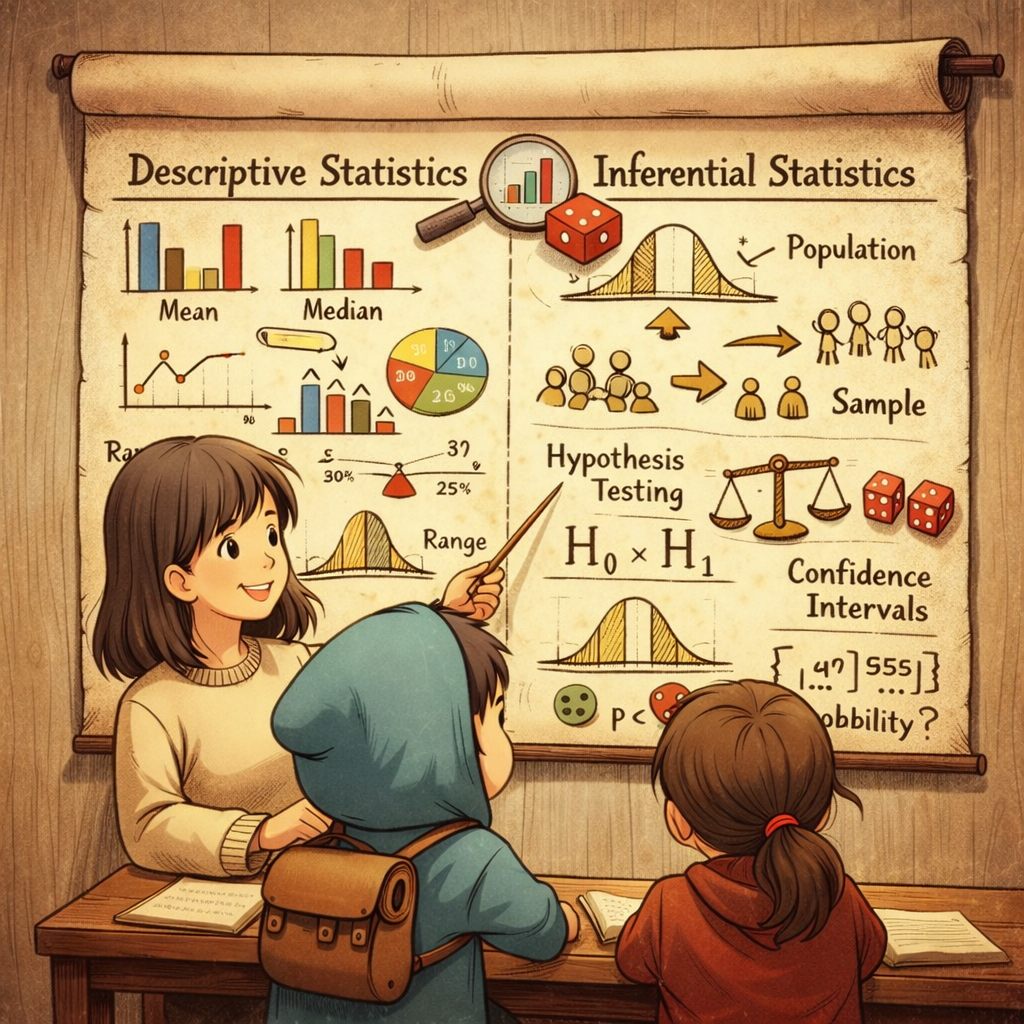
Course outline
- 1️⃣ Descriptive statistics and data analysis strategies
- 2️⃣ Inferential statistics through survey use cases
1️⃣ The logic of data aggregation
The logic of data aggregation
The operations we practiced are part of a standard industry pattern called Split-Apply-Combine. It is the most robust way to solve complex data problems by decomposing them.
- Split: Break a large dataset into manageable, independent pieces (e.g., by strata, region, or gender).
- Apply: Operate on each piece independently (calculate a mean, fit a model, or generate a sequence).
- Combine: Reassemble the results into a structured output (like a summary table).
From Concept to Code
In the tidyverse, this strategy is mapped to specific, highly optimized functions:
group_by(): The Split operator. It partitions the dataset into logical subsets.summarise(): The Apply & Combine operator. It reduces many rows into a single row of statistical indicators.across(): The Scaling operator. It ensures that the exact same statistical treatment is applied consistently across multiple columns.
Practical Aggregation
library(dplyr)

# Standard descriptive pipeline
data %>%
  group_by(category) %>%
  summarise(
    n = n(),
    across(c(income, age), list(avg = ~mean(.x, na.rm = TRUE), med = ~median(.x, na.rm = TRUE)))
  )
Why this matters for statisticians ?
Standardization is the bedrock of valid statistical reporting.
- across() ensures that the same treatment (handling of NAs, rounding, or specific estimators) is applied identically to every variable.
- This workflow creates a clear link between raw data and final indicators, which is essential for auditability.
A zoom on summarise()
The summarise() function is the primary tool for data reduction. It transforms a detailed table into a concise summary of statistical indicators.
- Aggregation Logic: It collapses multiple rows into a single result per group.
- Versatility: You can calculate several statistics at once (Mean, Median, Sum, etc.).
- Functional Chain: It is almost always paired with
group_by()to provide comparative insights across categories.
Common Statistical Functions
| Category | R Functions |
|---|---|
| Central Tendency | mean(), median() |
| Dispersion | sd(), var(), IQR(), min(), max() |
| Position | quantile(x, probs = 0.75), first(), last() |
| Count | n() (observations), n_distinct() (unique values) |
Statistical estimation
The power of summarise() lies in its ability to combine multiple estimators within a single reduction step. You can use standard R functions, library-specific tools, or even user-defined functions.
summarize() core estimators reference
| Statistic | R Function | Use Case |
|---|---|---|
| Mean | mean() |
Central tendency (sensitive to outliers) |
| Median | median() |
Robust central tendency |
| Standard Deviation | sd() |
Dispersion/Spread |
| Extrema | min(), max() |
Range of the distribution |
| Position | first(), last() |
Boundary observations |
| Count | n() |
Sample size (\(n\)) |
| Uniqueness | n_distinct() |
Cardinality check |
| Summation | sum(), cumsum() |
Total and cumulative flows |
summarize() example of practical implementation
library(dplyr)

# Summary of the entire table
data %>%
  summarise(
    avg_income = mean(income, na.rm = TRUE),
    total_obs = n()
  )

# Strategic aggregation by group
data %>%
  group_by(education_level) %>%
  summarise(
    n = n(),
    med_age = median(age, na.rm = TRUE),
    max_seniority = max(seniority, na.rm = TRUE)
  )
Tip: Missing Values
In R, most statistical functions return NA if a single missing value is present. Always include na.rm = TRUE to ensure your summary is computed on the available data.
mutate() vs summarise()
Both functions create new variables, but they operate on different “dimensions” of your data.
The key difference
| Function | Action | Resulting row count |
|---|---|---|
mutate() |
Transformation | Remains unchanged (\(n = N\)). |
summarise() |
Aggregation | Reduced to one row per group (\(n = G\)). |
mutate() vs summarise()
Which one should I use?
A simple rule of thumb:
- Use
mutate()if you want to keep the individual granularity.- Example: Calculating the tax amount for each household or the log of income. Each person stays in the table.
- Use
summarise()if you want to move to a higher level of analysis.- Example: Calculating the average income per region. Individual households “disappear” to form the regional indicator.
The hybrid case: grouped mutate
Statisticians frequently use group_by() %>% mutate() to perform standardization or relative positioning without losing the individual granularity.
summarise(): You calculate the mean of the group. The individuals are gone.mutate(): You calculate the mean of the group and broadcast it back to every individual in that group.
2️⃣ The specificity of survey data
The specificity of survey data
- Granular nature: One observation is not a single individual; it represents a specific portion of the target population.
- Sampling weights: Essential to restore the representativeness of the target population.
- The bias risk: Standard arithmetic functions (
mean(),sd()) assume equal probability. On weighted data, they produce scientifically biased results. - Horvitz-Thompson: Every observation \(i\) must be weighted by the inverse of its inclusion probability: \(w_i = 1/\pi_i\). \[\hat{Y}_{HT} = \sum_{s \in S}\frac{y_s}{\pi_s}\]
The specificity of survey data
- The weighting challenge: Using weights is not a default behavior in R; standard functions often fail to represent the distribution correctly.
- CDF Complexity: Granularity makes it difficult to estimate the Cumulative Distribution Function (CDF), which is the backbone of:
- Quantiles (Median, Deciles).
- Inequality Indices (Gini, Atkinson).
Point Estimates with Hmisc
The Hmisc package provides the simplest toolkit for calculating standard weighted indicators (Mean, Variance, Quantile, Rank).
- Optimized for
dplyr: These functions are designed to fit perfectly within asummarise()pipeline. - Naming Logic: Functions carry the same name as Base R, prefixed with
wtd.(weighted). - The
weightsArgument: Unlike standard functions, you must explicitly pass your weight variable.
At least two ways to use Hmisc
The Base R approach (with)
Ideal for quick, one-off calculations on a specific variable.
library(Hmisc)

# Basic weighted statistics
with(t, wtd.mean(y, weights = p))     # Mean
with(t, wtd.std(y, weights = p))      # Standard Deviation
with(t, wtd.quantile(y, weights = p, probs = 0.5, type = 'quantile')) # Median
The Tidyverse approach (summarise)
Best for producing comparative tables across different population groups.
Estimating value and variance
Any estimate based on survey data is surrounded by uncertainty. Sampling theory provides the mathematical framework to quantify this margin of error.
- The challenge: To calculate the correct variance, one needs the point estimate and the details of the sampling design.
- The tool: The
surveypackage is the industry standard in R. It handles both simple and complex sampling plans.
Accessing variance information
In practice, calculating the true variance can be difficult due to data availability:
- Standard approach: Requires variables for stratification and clustering. These are often confidential and removed from public datasets.
- Replicate weights approach: Some producers provide “replicate weights” (e.g., Bootstrap or Jackknife weights).
- Examples: Common in US data (SCF), or specific European/Insee surveys (HFCS, HVP).
- Benefit: Allows for valid variance estimation even without knowing the internal strata.
Why use the survey package?
It is specifically designed to handle both approaches. Whether you have the stratification variables or replicate weights, survey ensures your standard errors and confidence intervals are scientifically valid.
National production and advanced variance
In a professional or national statistical context, estimating variance must reflect the entire data processing chain, not just the initial sampling.
The challenge of “real-world” variance
General tools often overlook two critical steps that significantly impact the final precision of indicators:
- Total non-response: The uncertainty added when adjusting weights to compensate for missing participants.
- Calibration (Calage): Re-weighting the sample to match known population totals (census), which mathematically alters the variance.
The case of France: gustave
To address these specificities, Insee (the French National Statistical Institute) developed the gustave package. It is now the internal standard for official French statistics.
- Objective: Account for the impact of non-response and calibration on precision.
- Key function:
qvar(), which allows for variance estimation tailored to the sophisticated treatments applied to national surveys.
Best practices for survey analysis
Survey estimation is primarily about using weights correctly to reflect the national population. For most descriptive tasks, the Hmisc package is more than enough.
However, if you need to calculate precision (e.g., to build confidence intervals for a report on poverty or health), you face two practical scenarios:
Scenario 1: Using replicate weights If your dataset includes replicate weights (which summarize the entire sampling process), the
surveypackage is your best tool. This is common in many international datasets.Scenario 2: Analytical variance estimation If you need to estimate variance analytically based on the specific sampling design (as is the standard for Insee surveys in France or complex national surveys), the
gustavepackage is the most suitable choice.
Summary of recommendations
- Keep it simple for exploration: use
Hmiscfor quick weighted means and medians. - Be rigorous for final results: always provide a confidence interval using
surveyorgustave. - Check your metadata: before starting, verify if your dataset provides “replicate weights” or “strata/cluster” variables to choose the right package.
Introduction to quantitative methods with , Lesotho Bureau of Statistics (back to main page)